Highland
My own Second Life viewer, built on Aurora and shaped around the way I actually use Second Life.
Coming soon
Built on Aurora
Highland is my own build of Aurora Viewer, a Second Life viewer written in Rust. Aurora is the foundation, and all the credit for it goes to the people who make it.
On top of that foundation I'm adding my own touches, the same way I've always tinkered with my viewers.
Aurora on GitHubMade by Tinker
I love having my viewer exactly the way I want it, and that means a lot of time spent taking things apart and putting them back together. That's how Oasis, my Firestorm fork, came about.
Highland is the next chapter: a fresh start on a newer foundation, with only the things I use and nothing in the way.

What's changed
Everything that's different in Highland compared to Aurora so far.
Highland 0.7 Beta
Merged with Aurora 0.9.13- ChangedUpdated to Aurora 0.9.13.
- ChangedHighland is now English only.
- ChangedA new way of showing the version number in Highland.
- ChangedReworked the Posestand, so animations set to Always in your AO no longer start again when you leave the floater.
- FixedAlt-click now also catches objects whose click action is set to Ignore.
- RemovedThe keyboard shortcuts for double-click on land and Movelock, freeing up Ctrl+Shift+D and Ctrl+Alt+P.
Highland 0.6 Beta
- NewA custom immersive mode, on by default when the viewer loads, with no UI showing at all.
- NewCtrl+Enter switches in and out of immersive mode.
- NewA shortcut to switch shadows on and off.
- NewVolumetric sun rays, by Rizz.
- FixedAlt+Left and Alt+Right jump between chat tabs again.
Highland 0.5 Beta
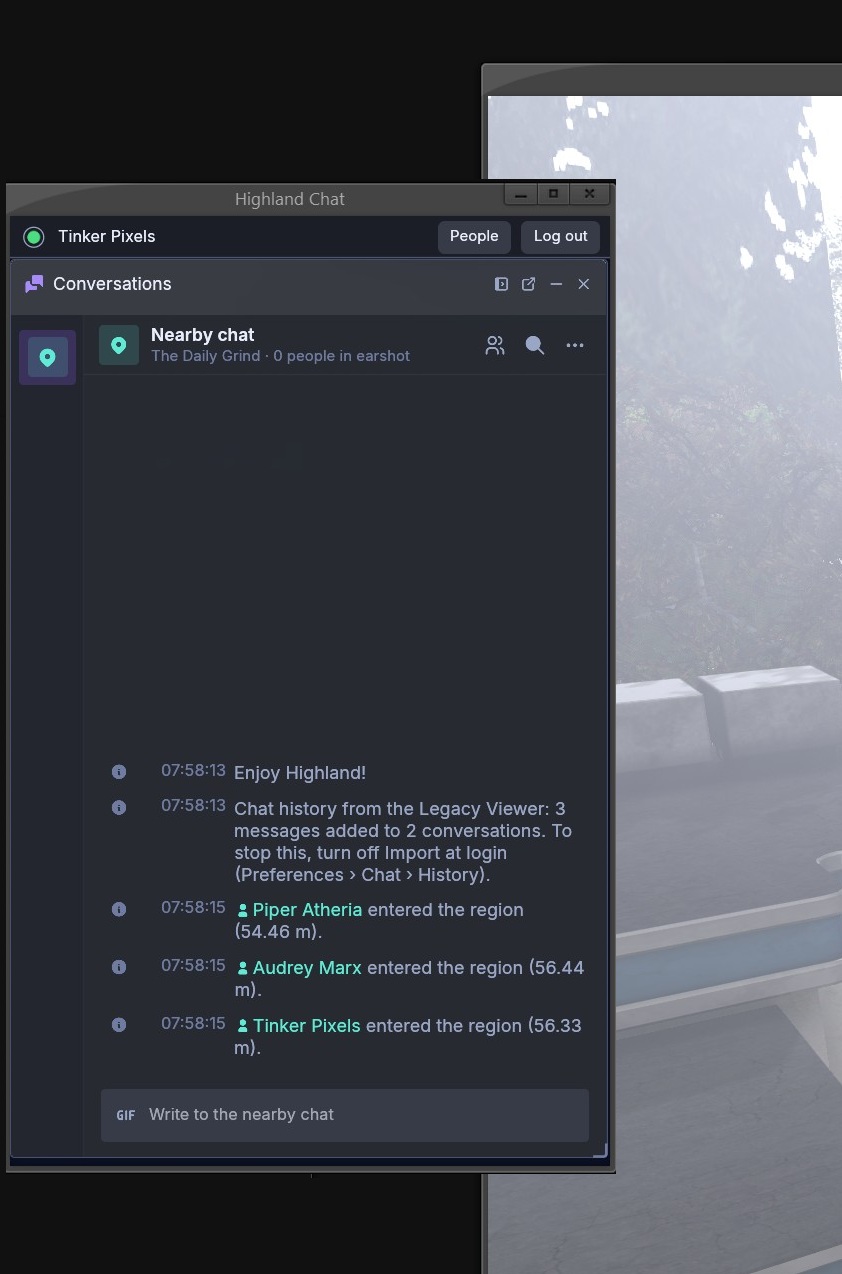
Merged with Aurora 0.9.11- NewA stand-alone chat program.
- NewCtrl+N adds a wearable to your favourites.
- NewHide groups from your own group list.
- ChangedUpdated to Aurora 0.9.11.
- ChangedWhether the hidden groups list and the Offline friends section are collapsed or expanded is now remembered between sessions.
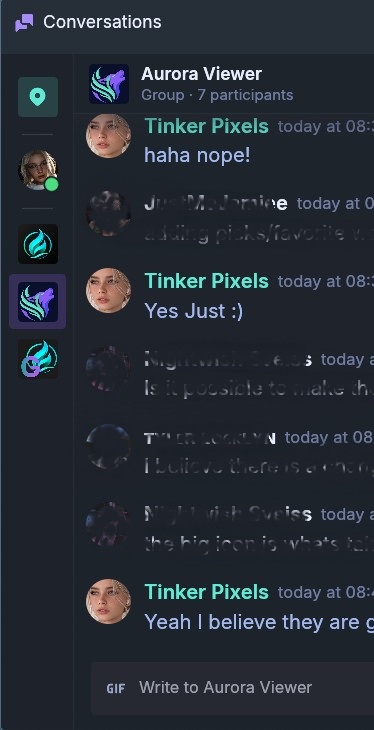
- ChangedThe chat input box’s background colour now shows whether the Conversations floater has focus.
- SimplifiedThe chat input box, with the channel selector and the send button removed.
Highland 0.4 Beta
Merged with Aurora 0.9.9- NewA system message in chat when you receive an object.
- NewChoose whether Gallery or Outfits is the default tab in the Appearance floater.
- NewDouble-clicking a group in the People floater opens its group chat.
- ChangedUpdated to Aurora 0.9.9.
- FixedDragging on your avatar to rotate the camera now works in the Linux version too.
- FixedThe mod tag now shows on yourself in groups where you’re a moderator, not only on other moderators.
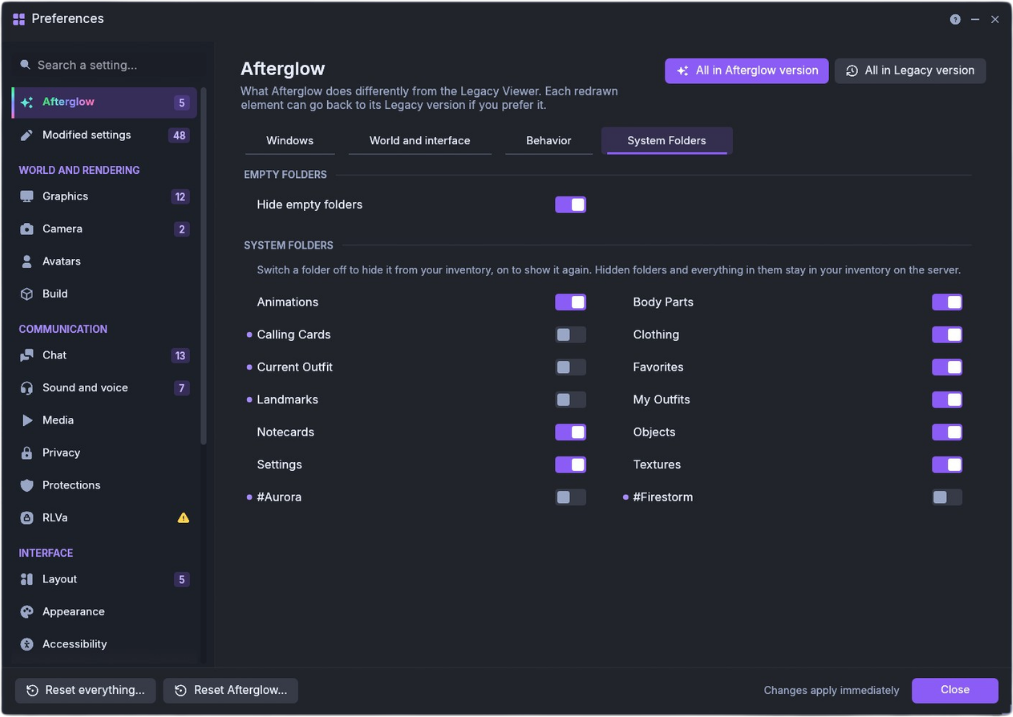
- FixedHiding empty folders now only hides empty system folders, not folders you’ve made yourself.
- RemovedThe Nearby chat notification count when people enter or leave chat range or the region.
- SharedHiding system folders and empty folders has been contributed to Aurora.
Highland 0.3 Beta
Merged with Aurora 0.9.8- NewAlt+U toggles your status between Do Not Disturb and Available.
- NewDragging on your avatar rotates the camera instead of the avatar. It can be switched off in Preferences. Also contributed to Aurora
- NewAdvanced folder colouring in Inventory, including an option to give a folder and all its subfolders the same colour. Also contributed to Aurora
- ChangedUpdated to Aurora 0.9.8.
- ChangedMessages and windows now say Highland instead of Aurora, like “Retrieving script information through the Highland bridge…” in chat and the About Position Lock window.
- SharedUsing Z-offset to adjust hover, added in 0.1.1, has been contributed to Aurora.
- SharedFixed the folder colour system in Inventory, allowing “colour all folders” and “colour all subfolders”.
- SharedAdded an option to drag-click to rotate the camera instead of the avatar.
Highland 0.2 Beta
Merged with Aurora 0.9.7- NewDisplay names for objects: press Shift+F2 on an item in Inventory to give it your own name. It shows in Inventory and in the Appearance floater, while the item keeps its real name.
- NewPin friends and groups to the top of their lists.
- NewSet your own picture for a group with a new button in the group’s floater. It shows instead of the group’s own picture in the group list, the group floater and Conversations.
- NewMute local chat from objects, including ones you’re wearing, so muted clothes and attachments stay quiet in Nearby chat when you log in.
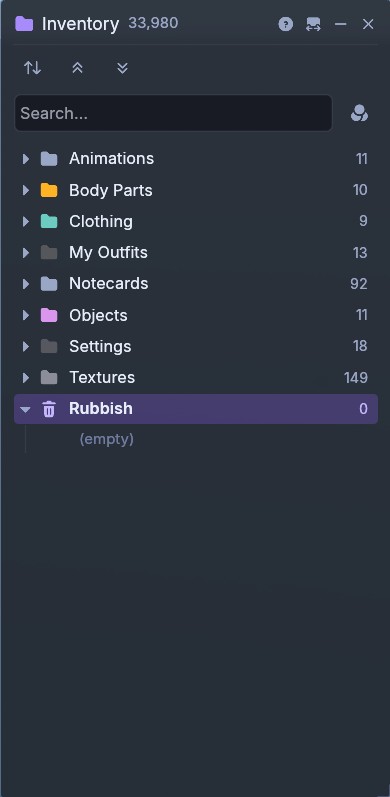
- ChangedA more modern icon for Trash in Inventory, which is now called Rubbish.
- ChangedWhen you log in, Nearby chat simply says “Enjoy Highland!” instead of “Have a wonderful time in Second Life!” and “Welcome, Tinker Pixels.”
- ChangedOffline friends stay collapsed between sessions instead of resetting.
- ChangedNew objects are 0.2 m on all sides and have no texture, so they appear white.
- SimplifiedThe Near You list in the People floater is now one long list, no longer split into whisper, talk and shout range.
Highland 0.1.4 Beta
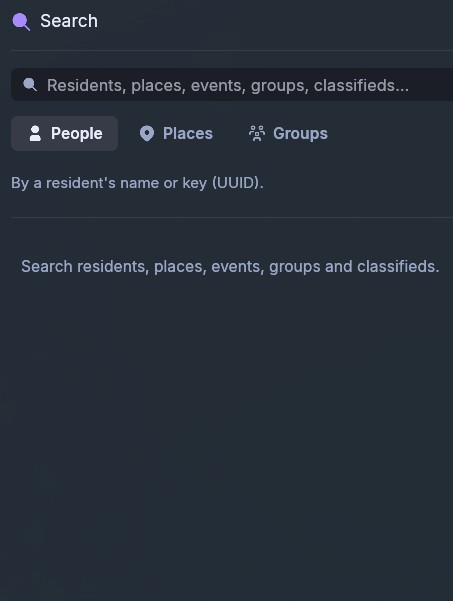
Merged with Aurora 0.9.5 / 0.9.6- NewIn Search, Alt+Left and Alt+Right switch between People, Places and Groups. The search box keeps focus, so you can switch and start typing straight away.
- NewClick “Offline” in People › Friends to collapse or expand your offline friends.
- ChangedUpdated to Aurora 0.9.6.
- ChangedScript dialog boxes now stretch all the way to the profile picture (where you set your status), not just to the clock.
- ChangedThe button that collapses the column has moved out of the column and up into the floater’s title bar, to the left of detach, minimize and close.
- ChangedIn the World Map, “Center map on my position” now also clears beacons, so the beacon left after finding a friend can be removed.
- RemovedThe People / For Sale / Events panel in the top right of the World Map.
Highland 0.1.3 Beta
Merged with Aurora 0.9.4- NewAlt+N opens the About Land floater.
- ChangedWhen you receive an object, an IM window opens with the notification in it, instead of it showing up in Nearby chat.
- ChangedThe search box in the Places floater is ready to type in as soon as it opens.
- ChangedAnimation floaters open in the collapsed view by default.
- ChangedTrash no longer expands when something lands in it.
- RemovedThe All, Events, Classifieds, Land Sales and Web tabs in Search.
- RemovedThe confirmation before deleting items in Inventory.
- RemovedThe say/shout/whisper dropdown in Nearby chat.
- RemovedThe emoji button from all chat tabs.
- RemovedThe “Teleporting…” line in Nearby chat.
Highland 0.1.2 Beta
Merged with Aurora 0.9.4- ChangedThe window title bar now just says “Highland”, without the version number and “(release)”.
- ChangedThe Appearance floater now opens on the Outfits tab.
- ChangedAdd is now the default action in Inventory instead of Wear.
- RemovedThe Outfit Gallery tab in the Appearance floater, leaving just Outfits and Worn.
- RemovedThe “Z-offset: +0.05 m” line in chat when adjusting hover. The adjustment itself still works as before.
Highland 0.1.1 Beta
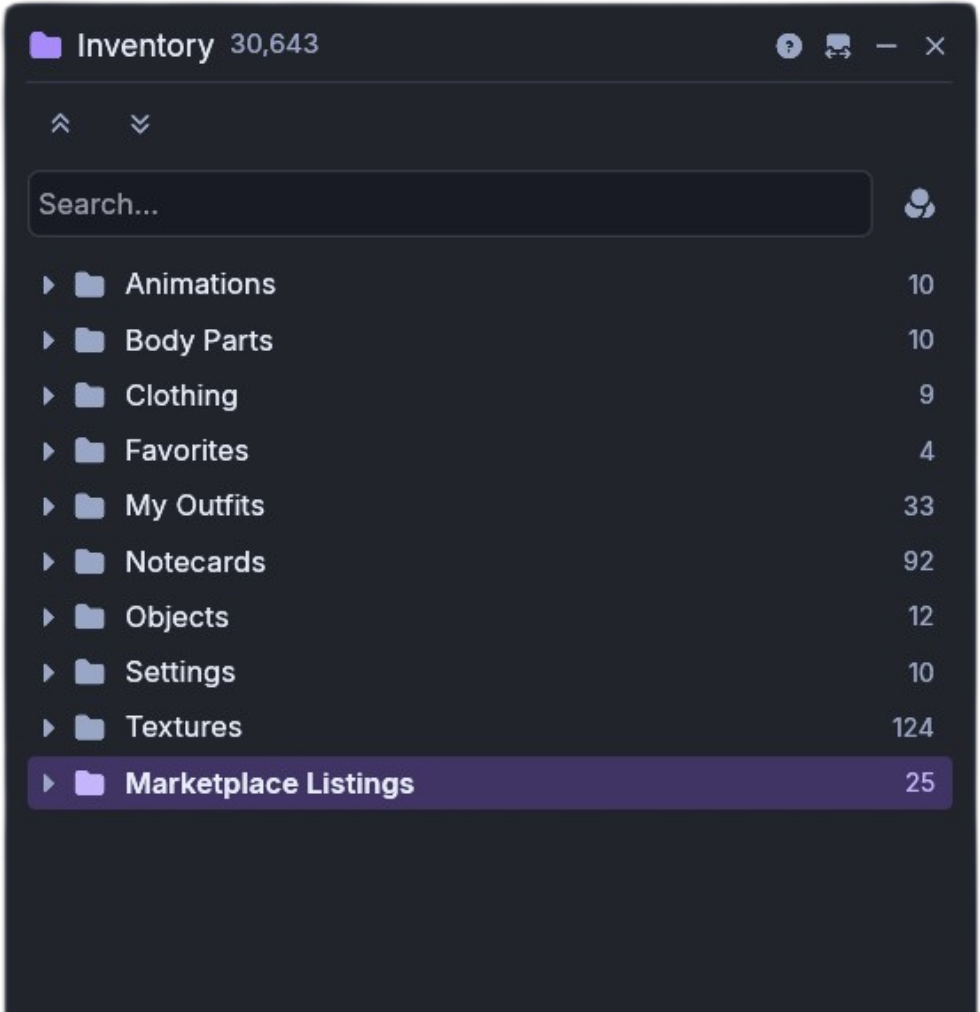
Merged with Aurora 0.9.3- NewThe Marketplace Listings folder can now be hidden in Inventory too.
- NewOption to use Z-offset, the same way as in Firestorm.
- NewCtrl+S (sync) jumps to the next pose in your AO, the same way as in Firestorm.
- ChangedRenamed the “Deluxe” preset to “Beast Mode”.
- ChangedThe inventory settings are back in the Inventory window, along with the expand and collapse buttons.
- RemovedThe preview in Inventory.
- RemovedThe search box in the Conversations floater.
- RemovedThe “near you / within earshot / friends” counts on the Near You tab of the People floater.
Highland 0.1.0 Beta
Merged with Aurora 0.9.3- NewNew preferences pane for hiding system folders in Inventory.
- ChangedCustom visual expression to reflect Highland rather than Aurora.
- ChangedUI tooltips are less intrusive in the chat window.
- ChangedOptimized keyboard shortcuts, like Enter to open chat.
- SimplifiedInventory, to remove clutter and bring focus to its content.
- SimplifiedThe Parcel pill: removed its buttons and some permission indicators.
- SimplifiedRemoved the chat input field in the bottom left.
- SimplifiedRemoved news and version information from the login screen.
- RemovedThe bug button, as bugs in Highland should not be reported to the Aurora developers.
A closer look

Not quite yet
Highland is still being built. Check back soon to see it in action.